
For decades, genealogists kept their family history research on paper. With the advent of inexpensive personal computers, those who pioneered in the new technology began to enter their data on their own computers. They did this by using dedicated genealogy software long before there was the ability to place family trees online. For the past few decades, online family trees have captivated family historians with their ease of use and ability to share information with others. However, those ubiquitous trees also are fraught with danger, subject to the perpetuation of errors and of being changed by well-meaning but misinformed individuals.
There are many reasons for keeping family trees online, but as a genealogist, you should consider the advantages of keeping your research primarily on your own computer using genealogical software. By all means, if you want to, keep that online tree, but make it your second priority and not your first. There are genealogy software packages for both PCs and Macs; none is necessarily better than another, but they offer a multitude of choices based on what your specific needs are.
All the software packages will search key genealogy websites, allow you to build charts, create reports, and do rudimentary book publication. What you should look for, in addition, is the ability to produce a variety of reports and the flexibility to create complex source citations. Most of those features are missing in online trees.
PC Users
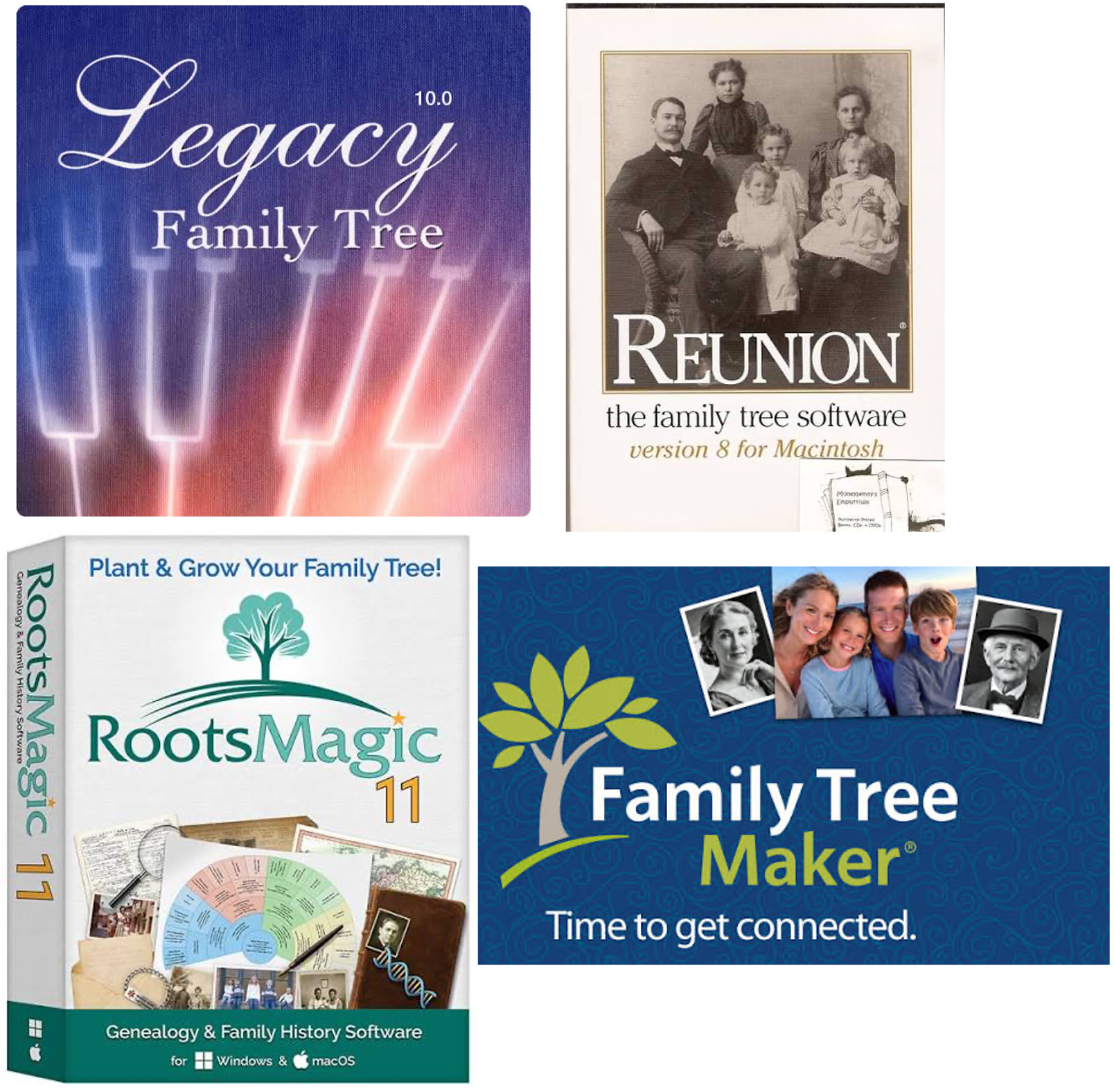
Legacy Family Tree: Current version is 10. The software is now completely free and includes all of the features that used to be in a “deluxe version”; the website has a help center and features dozens of helpful webinars. You can watch some introductory recordings on our website also. (Scroll down to July and September 2024.)
Mac and PC
Family Tree Maker: Current version is 2024. This workhorse has been around for almost forty years and now is compatible with both Mac and PC operating systems. Long owned by Ancestry, it was spun off in the 2000-teens to a software company in Ukraine, Mackiev.com, but they have kept the software robust and up-to-date. It still is closely connected to Ancestry, so you do need to be careful not to accept all of those “hints”! This is one of the few programs still available as either a download ($80), on DVD ($90), or on a USB drive ($100). (Both of the latter also include the download file.)
RootsMagic: Current version is 11. You can download a free trial, but to use all of the software’s features, you’ll want to invest $39.95 for the full version, or upgrade for $29.95 if you are still using an older version. One advantage of both of these programs is that there are versions for Mac and PC, making sharing family files with relatives much easier. RootsMagic also has a free mobile app available for genealogy on the go; it is only for Apple iOS, however. Introductory classes on RootsMagic are on our website. (Scroll down to February and December 2023.)
Mac Users
Reunion: Current version is 14. You can download a free trial, but the full version is required for many of the advanced features. Reunion is the only product the Leister company produces, so it is kept up-to-date and supported strongly online. Although the initial purchase is costly, updates are infrequent and inexpensive. The full version is $99, and an update from an older version is available for half that price. Reunion also has a companion app, Reunion Touch, for iPad and iPhone so you can always have your genealogy with you on the road. A class on Reunion is on our website. (Scroll down to February 2025.)
We have samples of the PC programs at the StLGS office. Many of our volunteers are Mac users, and if you call ahead, someone can assist you with Reunion.
Keeping your genealogy in a dedicated software program on your computer is very important so you always have control of your work, and if you make any errors, you can easily change them without worrying that others will copy your mistakes and keep them circulating online.
Stay tuned for Part II next week!


